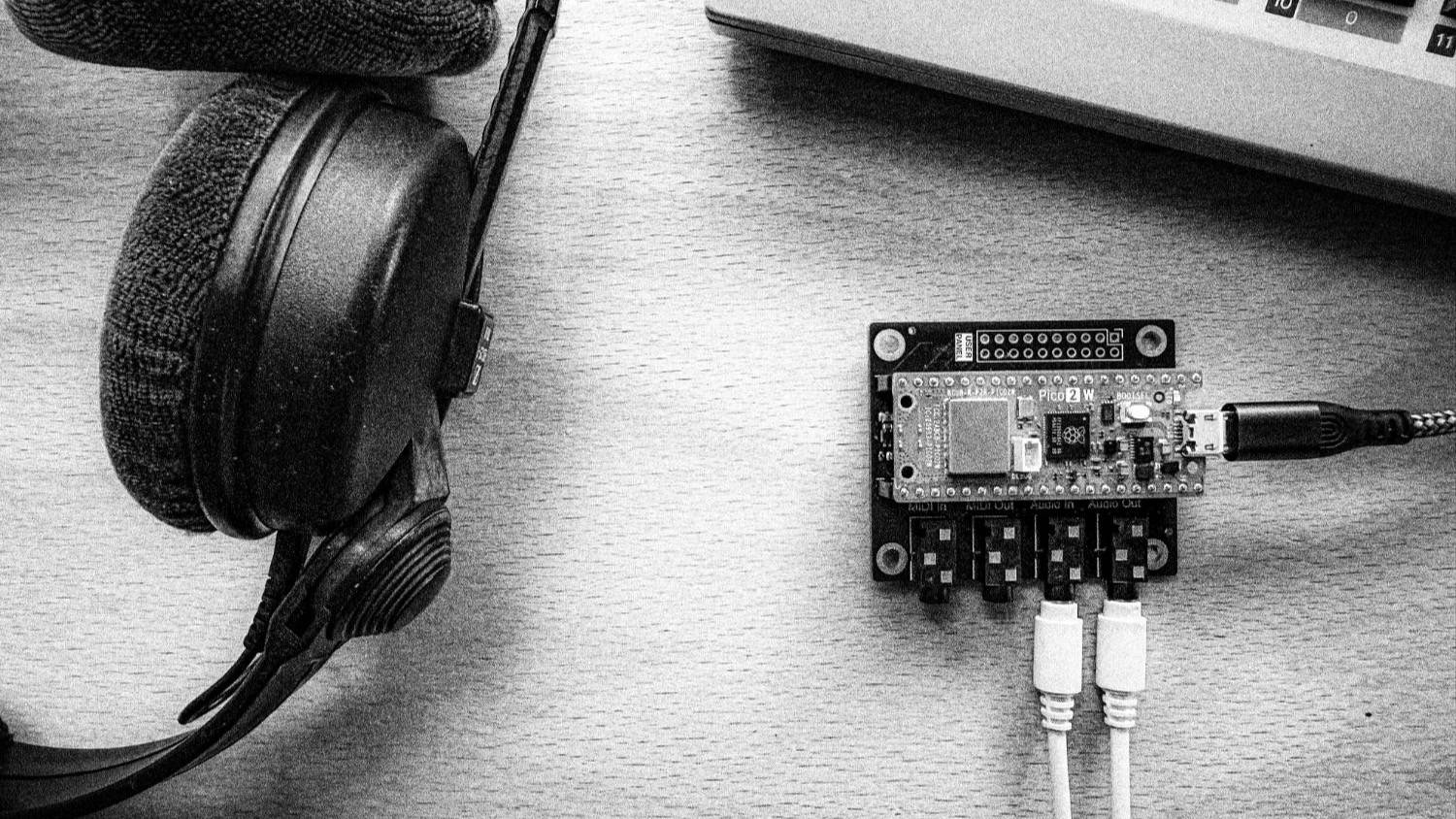

Build your next instrument without code
Min is a visual programming environment for music and sound for the Raspberry Pi Pico 2W*. Use it for any real-time audio application: making musical instruments, sound effects and processors, or interactive art and sound installations.
The engine powering Min is based on Pure Data and provides a canvas to define and build data-processing and audio-generation patches. By wirelessly connecting to Min with a browser, you can create patches and hear the changes as you make them, without compiling, and play them live using a MIDI controller.
Once you’re done creating, Min operates as a standalone device, so you can close your computer and play the thing you made.
Pure Data with embedded extras
Min's Pure Data engine includes standard objects, plus many of the objects from the ELSE and Cyclone libraries. Patches created in desktop Pure Data are compatible.
In addition, Min includes some unique add-ons: stand-alone FM and phase-distortion synths, a bass line synth, a drum machine, macro oscillators, filters and reverbs. Each one is presented as a Pd object so can be patched into anything else. You can see all the Min objects here.
The Pico is easy to build on, so Min also includes objects for a hardware interface of your own. With a bit of breadboard or soldering you can add an OLED display, buttons, LEDs and encoders, so you can tweak performance parameters live with hardware.
Get started
- You’ll need a Raspberry Pi Pico 2W or a compatible board, and the free Min firmware from the Store. Min gives you USB MIDI in and out and USB audio out. For analogue audio in and out, add a Go.Zero*.
- Hold BOOTSEL while you plug the Pico in, then drag the .uf2 file onto the RP2350 drive. After a few seconds, connect to the Min WiFi network. You can add your own network there if you like.
- Browse to min.local and start making your next instrument or sound device.
- If you already know Pure Data you’ll feel right at home. If not, check out Community for some places to start.
Features
| Feature | Microcontroller board | |
|---|---|---|
| Pico 2W | Pico Plus 2W | |
| Create and edit patches in the browser | Min | Min |
| USB MIDI in and out | Min | Min |
| Audio out (USB and DAC*) | Min | Min |
| Audio input (USB and ADC) | Min Plus + Go.Zero | Min Plus + Go.Zero |
| Sampling, delays and bigger patches (PSRAM) | No | Min Plus |
| Processor overclock up to 450 MHz | Min Plus | Min Plus |
| Bluetooth MIDI in and out | Min Plus | Min Plus |
| TRS serial MIDI in and out | Min Plus + Go.Zero | Min Plus + Go.Zero |
| Break-out for encoders, switches, LEDs, OLED | Min Plus + Go.Zero | Min Plus + Go.Zero |
* A DAC needs a compatible card, such as the Waveshare Pico-Audio.
Get into Min, upgrade to Min Plus
Min Plus is a paid upgrade to Min which includes Bluetooth MIDI, sound input, sample upload on devices with PSRAM, and a turbo mode that runs the processor at up to 450 MHz for more polyphony or bigger patches.**
Connect serial MIDI and analogue audio
Expand your Pico with a Go.Zero to get serial MIDI I/O on TRS jacks, and a high quality analogue converter for line level audio I/O. Go.Zero includes a licence for Min Plus. For hackers, use the break-out connector to expand Min: an OLED display, encoders, LEDs and buttons to interact with whatever you build.
* Min supports the Raspberry Pi Pico 2W and the Pimoroni Pico Plus 2W, which adds PSRAM and more flash storage for sampling. A Waveshare Pico-Audio DAC card gives you audio out; for analogue in and out you’ll need a Go.Zero. ** Turbo mode may void the warranty of your Pico. Reset the patches on this page.